
When Your Hard Drive Suddenly Stops Working
For many people, the first reaction is to keep restarting the computer, trying different cables, running repair tools, or searching online for a quick fix.
But if the data on the hard drive is important, the first step should always be caution.
At KP Computer, we deal with customers who are not just worried about the computer. They are worried about their files. Business documents, family photos, accounts data, invoices, customer records, emails, schoolwork, university work and personal memories can often be far more valuable than the device itself.
Why Hard Drives Fail
Hard drives can fail for many different reasons. Some failures happen gradually. The computer may become slower over time, files may take longer to open, or the system may freeze when accessing certain folders.
Other failures happen suddenly. The computer may not boot, the drive may disappear, or an external hard drive may stop showing completely.
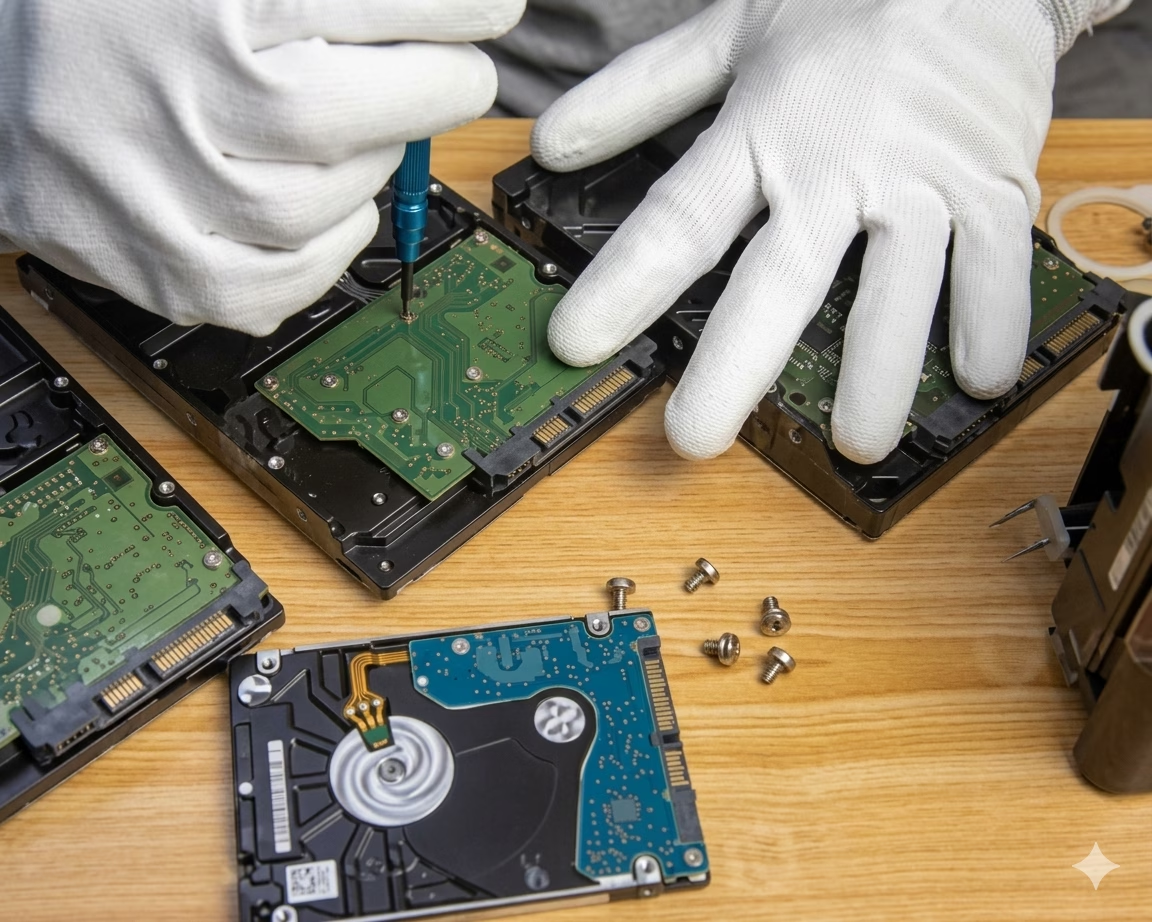
Traditional mechanical hard drives are especially sensitive because they contain moving parts. If the drive is clicking, grinding, beeping, or spinning up and stopping, this can be a sign of a physical issue.
SSDs can fail differently. They may suddenly stop being detected, become read-only, corrupt files, or fail without making any noise at all.
Warning Signs Your Hard Drive May Be Failing
A failing hard drive does not always fail completely straight away. There are often warning signs that something is going wrong.
What You Should Not Do
When a hard drive stops working, it is very easy to make the problem worse without meaning to. If your data is important, avoid doing the following.
Do Not Keep Restarting The Computer
Repeatedly powering on a failing drive can put more stress on it. If the drive is physically weak, every restart may reduce the chance of successful recovery.
Do Not Reinstall Windows
Reinstalling Windows can overwrite important data. If you reinstall the operating system before recovering your files, some data may become harder or impossible to recover.
Do Not Format The Drive
If Windows says the drive needs to be formatted, do not click format if you need the files. Formatting may damage the existing file structure and reduce recovery chances.
Do Not Run Random Recovery Software
Some recovery programs are useful in the right situation, but they can also be risky if used on a failing drive. Scanning a damaged drive for hours can put extra strain on it.
Do Not Open The Hard Drive Yourself
Mechanical hard drives should not be opened outside the correct environment. Dust, fingerprints, or accidental damage can make recovery much harder.
Do Not Send The Drive Away Blindly
If the data is valuable, make sure you know who is handling it, what checks they are doing, and whether they will give you clear information before expensive work starts.
Why Data Recovery Should Come Before Computer Repair
Many customers contact a repair company because their laptop or computer is not working. But the real priority is often the data.
A laptop can usually be repaired or replaced. Windows can be reinstalled. Software can be loaded again. A new hard drive or SSD can be fitted.
That is why KP Computer always focuses on the data first. Before carrying out repair work, we ask whether the customer has important information on the device. If they do, we look at the safest way to protect or recover that data before moving forward with repair.
This approach helps reduce the risk of losing files during troubleshooting, reinstallations, hardware changes or deeper repair work.
Hard Drive Data Recovery For Home Customers
For home customers, hard drive failure can mean losing years of personal files.
Many people do not realise how much they rely on their computer until it stops working. KP Computer can help assess the situation and advise whether the data may be recoverable.
Hard Drive Data Recovery For Businesses
For businesses, data loss can be even more serious. Losing access to business data can stop work immediately.
KP Computer supports local businesses with practical data recovery advice and recovery support where possible. We also help customers put better backup systems in place after recovery, so the same problem does not happen again.
External Hard Drive Not Showing Up
External hard drives are commonly used for backups, photos, documents and business files. A common problem is when the drive suddenly stops showing on the computer.
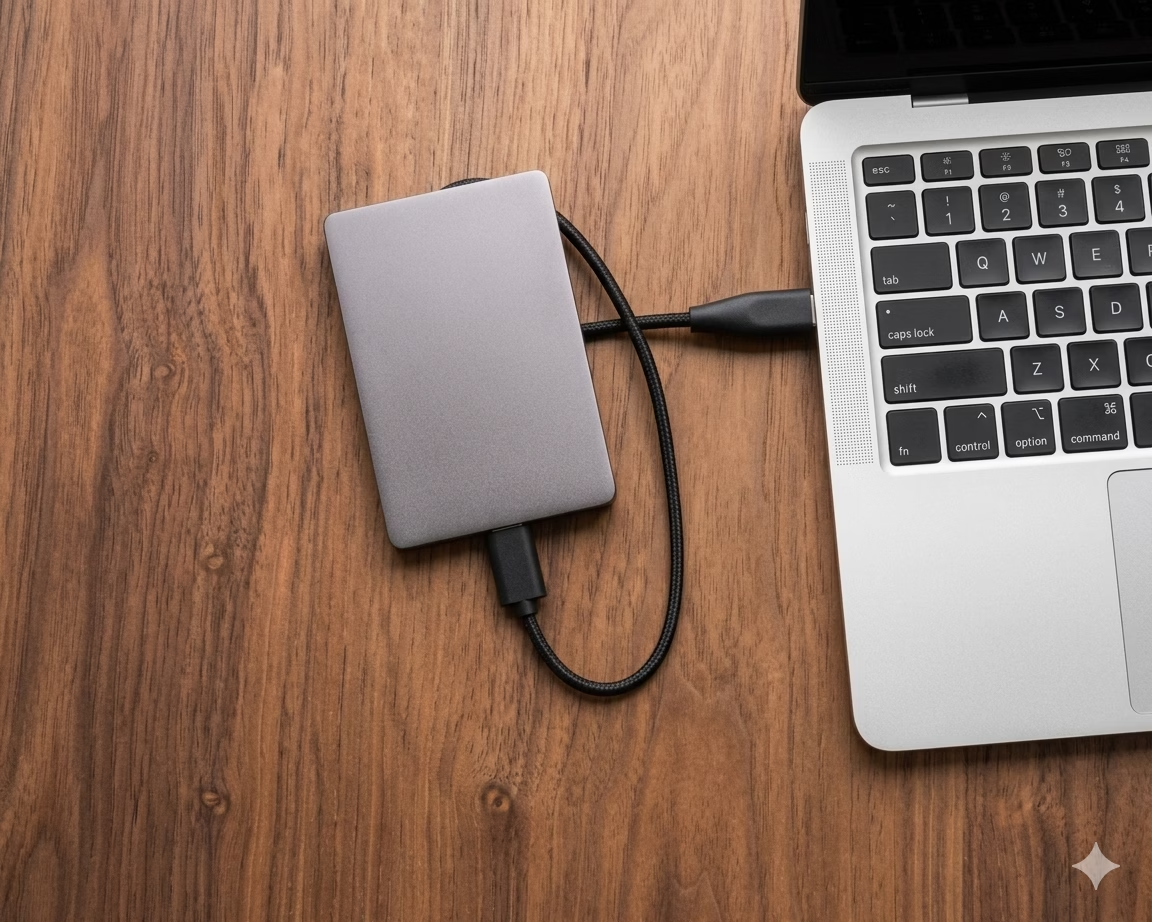
This could be caused by several issues.
KP Computer can help check whether the issue is with the drive, the enclosure, the connection, or the storage device itself.
Laptop Hard Drive Data Recovery
When a laptop fails to start, customers often assume the whole laptop is dead. In many cases, the data may still be recoverable from the internal hard drive or SSD.
Before replacing the drive or reinstalling Windows, it is important to check whether the customer needs files recovered first. This is part of KP Computer’s data-first process.
Our Data-First Process At KP Computer
At KP Computer, we do not treat data recovery as an afterthought. Our process is based around protecting the customer’s files before doing anything that could risk them.
Local Hard Drive Data Recovery Support
KP Computer provides hard drive data recovery support for customers across Feltham and surrounding areas.
Whether the issue is with a laptop, desktop PC, external hard drive, SSD, USB storage device or business computer, we can help advise on the safest next step.
Hard Drive Data Recovery FAQs
What should I do first if my hard drive stops working?
Stop using the device, avoid random fixes, do not format the drive, and get advice before attempting repair work. If the data is important, the first priority should be protecting the files.
Should I keep restarting my computer?
No. Repeatedly restarting a computer with a failing hard drive can put more stress on the drive and may reduce the chance of recovery.
Should I reinstall Windows if the computer will not start?
Not before checking the data. Reinstalling Windows can overwrite files and make recovery harder. If you need the data, recovery should come before repair.
What if Windows says my external hard drive needs to be formatted?
Do not format it if you need the files. This message can appear when the file system is damaged, but formatting can reduce the chance of recovering your data.
Can KP Computer help with business data recovery?
Yes. KP Computer helps local businesses with failed hard drives, external drives, laptop drives, desktop PCs, business documents, accounts files and important working data.
Can you help after the data is recovered?
Yes. KP Computer can help with computer repair, replacement drives, Windows setup, transferring recovered files and setting up a better backup system.
Need Help With a Failed Hard Drive?
If your hard drive has stopped working, do not panic and do not keep trying random fixes. The safest first step is to stop using the device and speak to someone who understands data recovery.
At KP Computer, we always put your data first. Whether you have lost access to family photos, business files, accounts data, documents or important work, we can help assess the situation and advise on the best recovery option.