
Why Restarting a Failed Hard Drive Can Be Dangerous
If Windows freezes, the laptop gets stuck on the loading screen, or the computer does not boot, restarting feels like the easiest thing to try. That is understandable.
But when the problem is caused by a failing hard drive, repeatedly restarting the computer can put the drive under more stress. Every restart may reduce the chance of a successful recovery, especially if the drive is already weak or damaged.
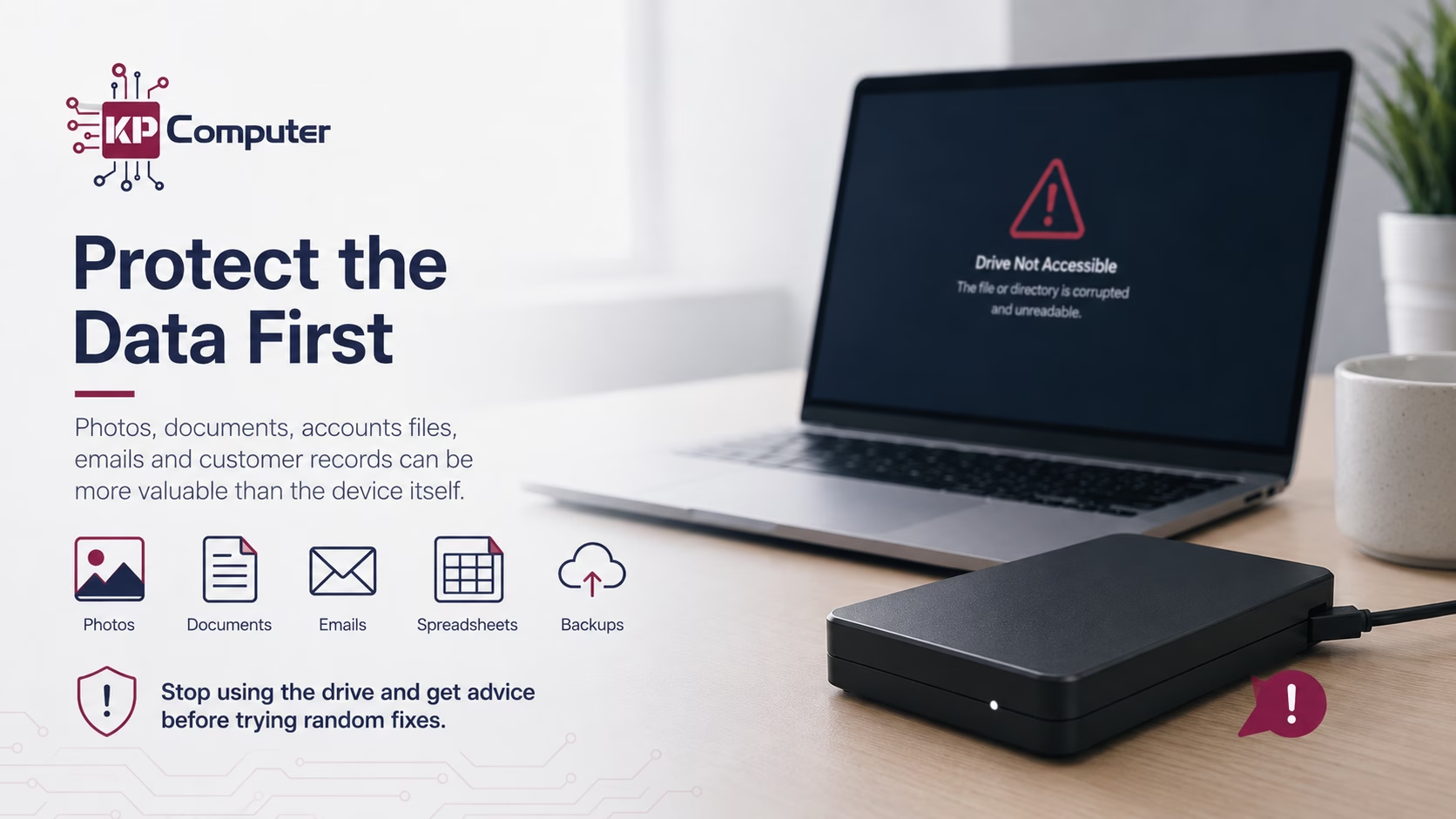
At KP Computer, we regularly help customers dealing with failed hard drives, damaged external drives, slow laptops, non-starting PCs and storage devices that contain important files.
In many cases, the computer itself is not the main concern. The real concern is the data. Business documents, family photos, accounts files, customer records, university work, emails, spreadsheets, invoices and personal files can be far more valuable than the computer.
Why Restarting Can Be Risky
A healthy hard drive should be able to start, read data and load files without serious problems. A failing hard drive may not.
If the drive has bad sectors, weak read/write heads, file system corruption, mechanical wear or electrical issues, every restart can put more stress on it.
Each time the computer turns on, the drive may try to spin up, read damaged areas, load Windows and access system files. If it is already struggling, this can make the condition worse.
Even if the drive does not make any noise, it may still be failing internally. SSDs can also fail, but they behave differently. They may suddenly stop being detected, freeze during use, corrupt files, or become unreadable without any warning noise.
Common Signs of a Failing Hard Drive
A failed or failing hard drive can show itself in many different ways. These symptoms should be treated seriously, especially if the files are important.
Why Windows Automatic Repair Can Be a Problem
Windows Automatic Repair can be useful in some situations. But if the hard drive itself is failing, automatic repair may not fix the real issue.
The system may keep trying to read damaged parts of the drive. It may attempt repairs, restart several times, or get stuck in a loop. This can create more stress on a weak storage device.
This may be a sign that Windows is damaged, but it may also be a sign that the hard drive or SSD is failing. Before allowing repair tools to keep running again and again, it is important to think about the data first.
Do Not Reinstall Windows Before Checking Your Data
One of the biggest mistakes people make is reinstalling Windows too quickly. A Windows reinstall may get the computer working again, but it can also overwrite files, remove user profiles, damage folder structures or make recovery more difficult.
This is especially important if files were saved in:
The operating system can usually be reinstalled. The data may not be so easy to replace.
Do Not Format an External Hard Drive
External hard drives often show messages such as: “You need to format the disk before you can use it.”
This message can appear when Windows cannot read the file system properly. But if you need the data, do not format the drive.
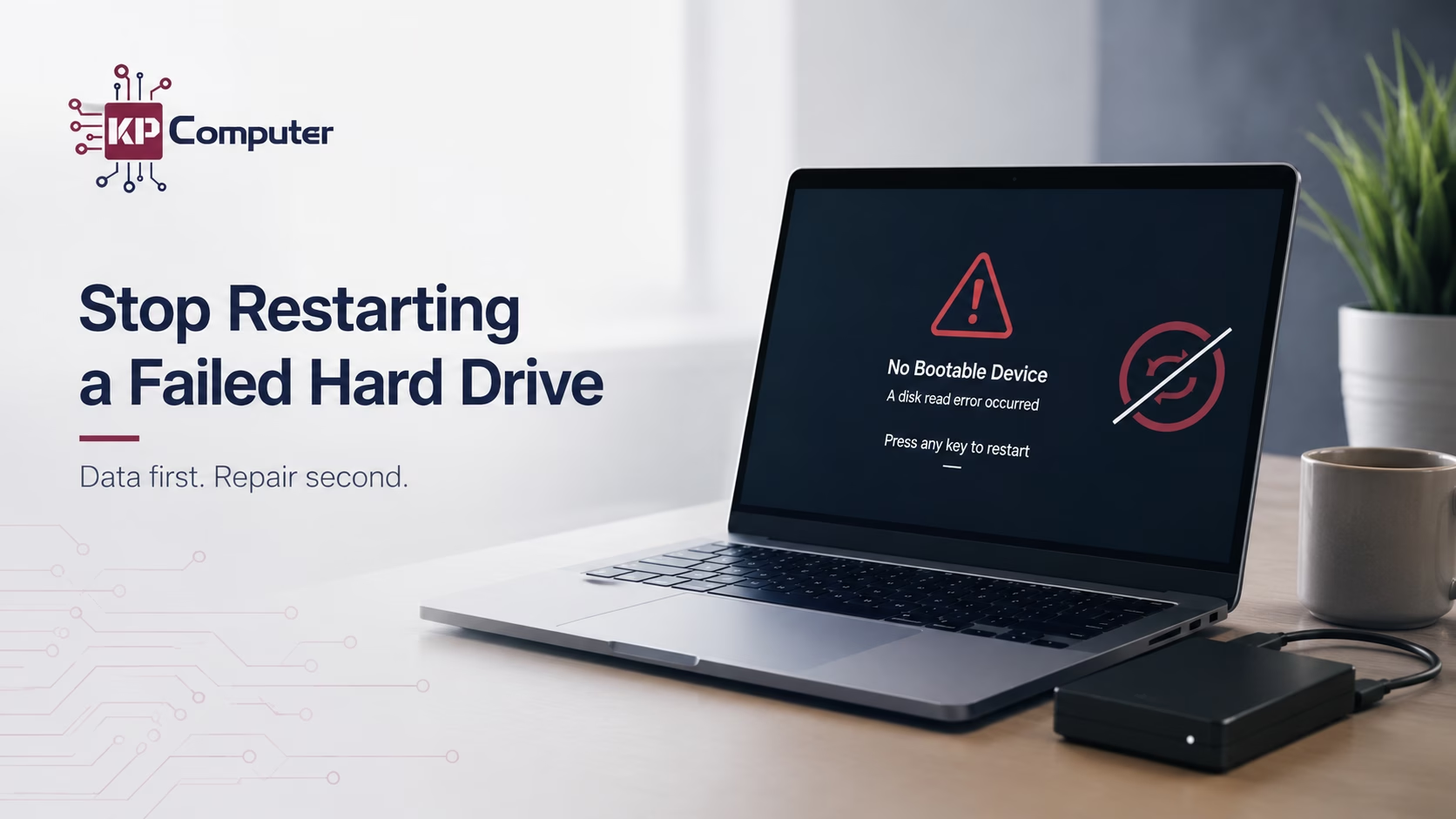
Formatting may make recovery harder, especially if more data is written to the drive afterwards. The problem may be caused by corruption, bad sectors, a failing drive, a faulty USB enclosure or another issue.
KP Computer helps customers with external hard drives that are not detected, not opening, asking to be formatted, or showing errors.
Why Random Recovery Software Can Make Things Worse
There are many data recovery programs available online. Some can be useful in the right situation, but they are not always safe to run on a failing drive.
If the hard drive is physically weak, a long scan can put the drive under heavy stress. Some scans can take hours or even days, and during that time the drive is constantly being read.
If the files are important, it is better to get advice before running random recovery software.
What You Should Do Instead
If your hard drive may be failing, the safest steps are:
KP Computer’s Data-First Approach
At KP Computer, we understand that the customer’s files are often more important than the machine itself. That is why we always take a careful approach with failed drives.
Business Data Recovery Support
For businesses, a failed hard drive can cause serious disruption. A single computer may contain key information that the business needs every day.
KP Computer supports local businesses with practical hard drive data recovery advice and IT support. We can also help put proper backup systems in place after recovery, so the same problem is less likely to happen again.
External Hard Drive Recovery
Many customers use external hard drives for backup. Unfortunately, external drives can also fail.
KP Computer can help check whether the issue is with the drive, cable, enclosure or file system.
Local Failed Hard Drive Data Recovery Support
KP Computer provides hard drive data recovery support across Feltham and surrounding areas.
We help with laptops, desktop computers, external hard drives, SSDs, backup drives and storage devices where data recovery may be possible.
Failed Hard Drive Data Recovery FAQs
Should I keep restarting my computer if the hard drive is failing?
No. If the hard drive is failing and your data is important, repeated restarts can place more stress on the drive and may make recovery harder.
Why does my laptop keep going into Automatic Repair?
It could be a Windows problem, but it could also be a sign of a failing hard drive or SSD. If your files matter, the data should be checked before repeated repair attempts.
Can reinstalling Windows delete my files?
Yes, it can overwrite files, remove profiles, or make recovery more difficult. Important data should be recovered or confirmed safe before reinstalling Windows.
What should I do if my external hard drive asks to be formatted?
Do not format it if you need the files. Stop using the drive and get advice first.
Can KP Computer help with business data recovery?
Yes. KP Computer helps local businesses with failed hard drives, business documents, accounts files, customer records, external drives and backup advice.
Need Help With a Failed Hard Drive?
If your computer keeps restarting, freezing, showing boot errors, or refusing to load Windows, do not keep forcing it.
If the data is important, stop and get advice first. At KP Computer, our priority is to protect your files before carrying out risky repair work.